Manage event proposals
Create a Call for Proposals (CFP)
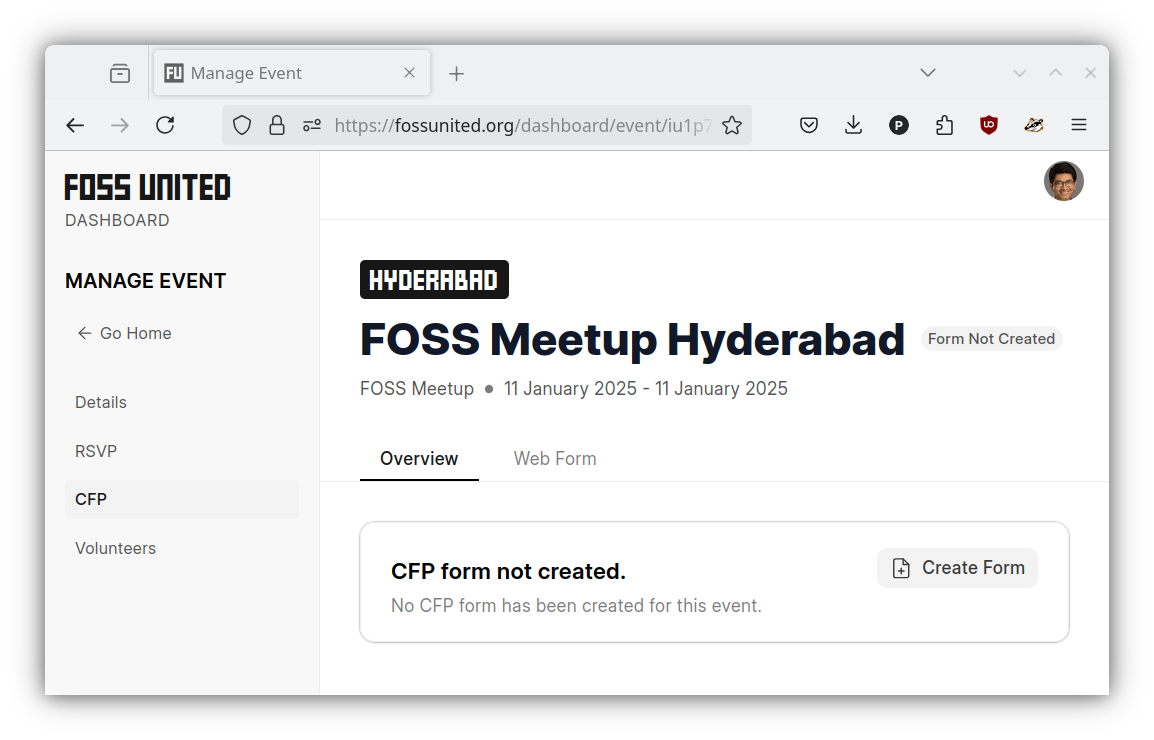
Once an event is created, you should be able to create the CFP form for the
event.
- Please open the CFP tab under the Event page and click on the
"Create Form"button
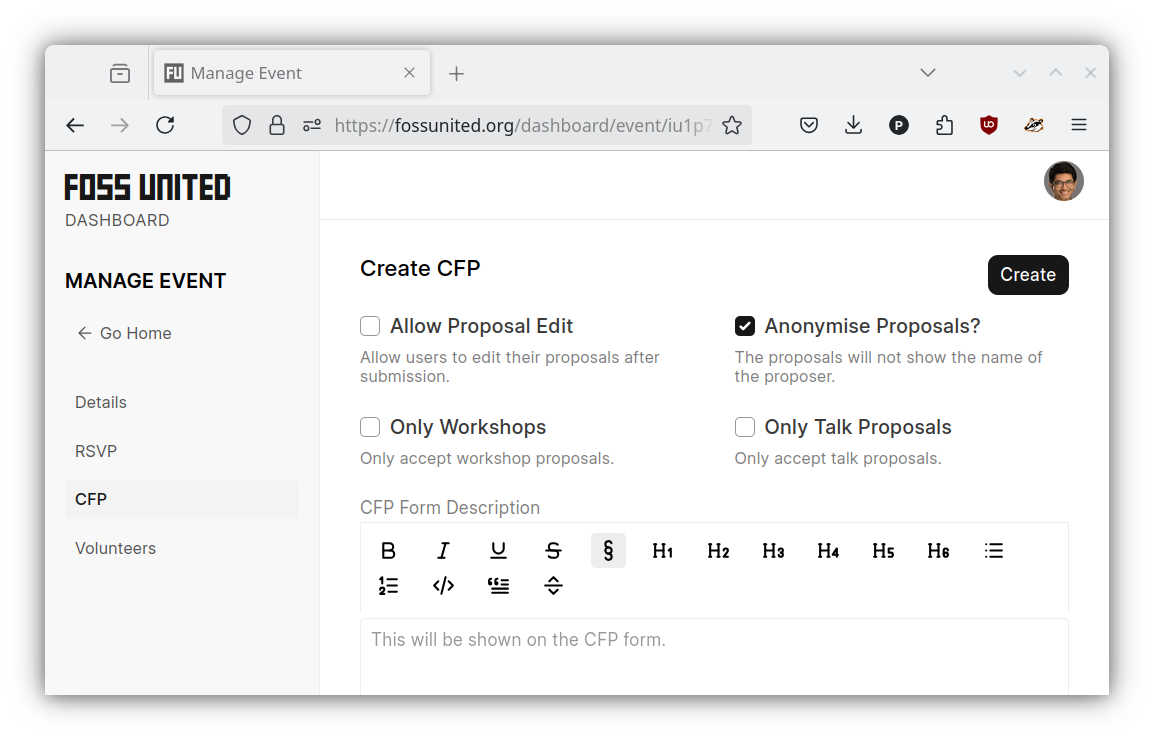
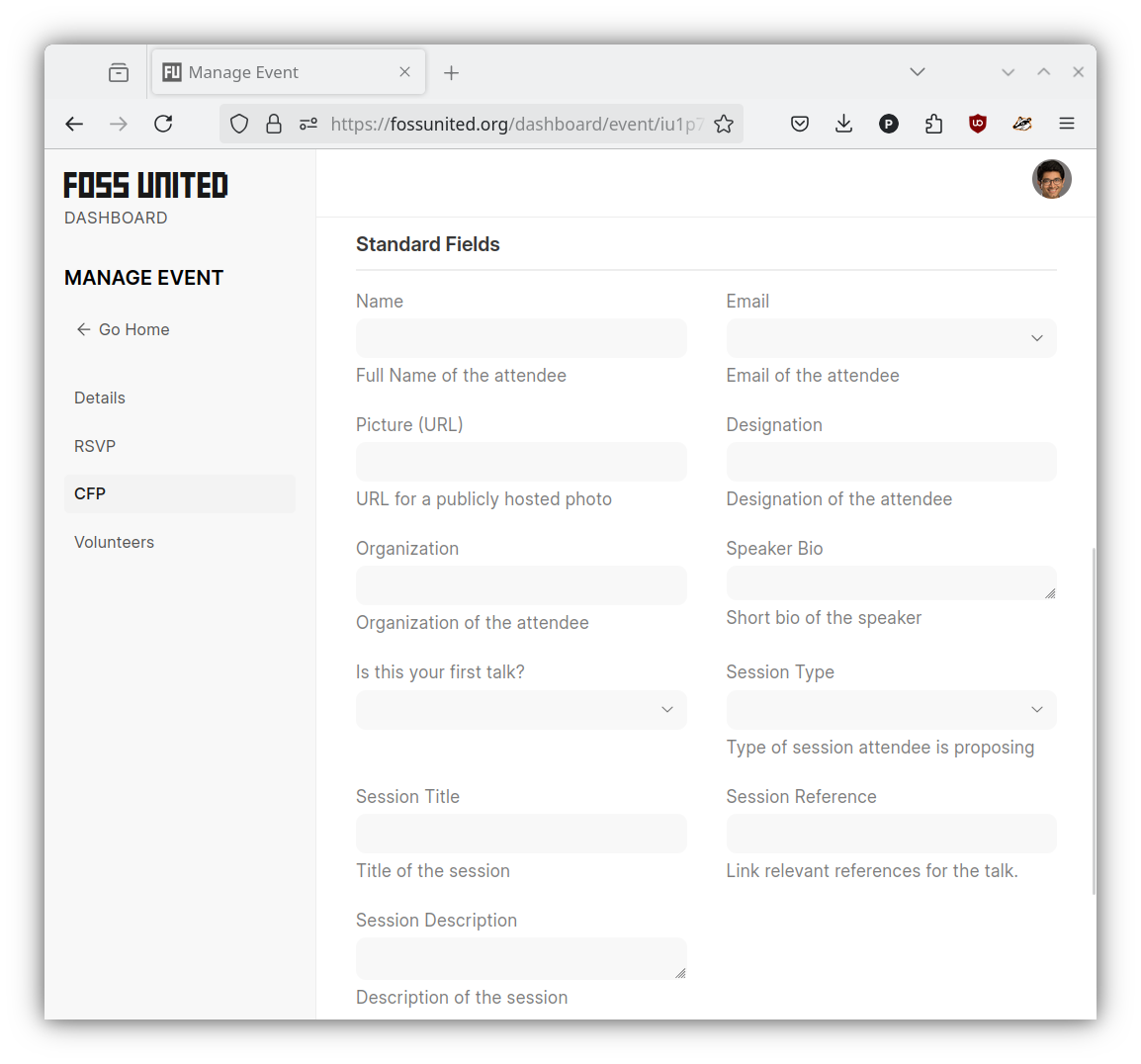
- Provide the necessary information for the CFP form and click on the
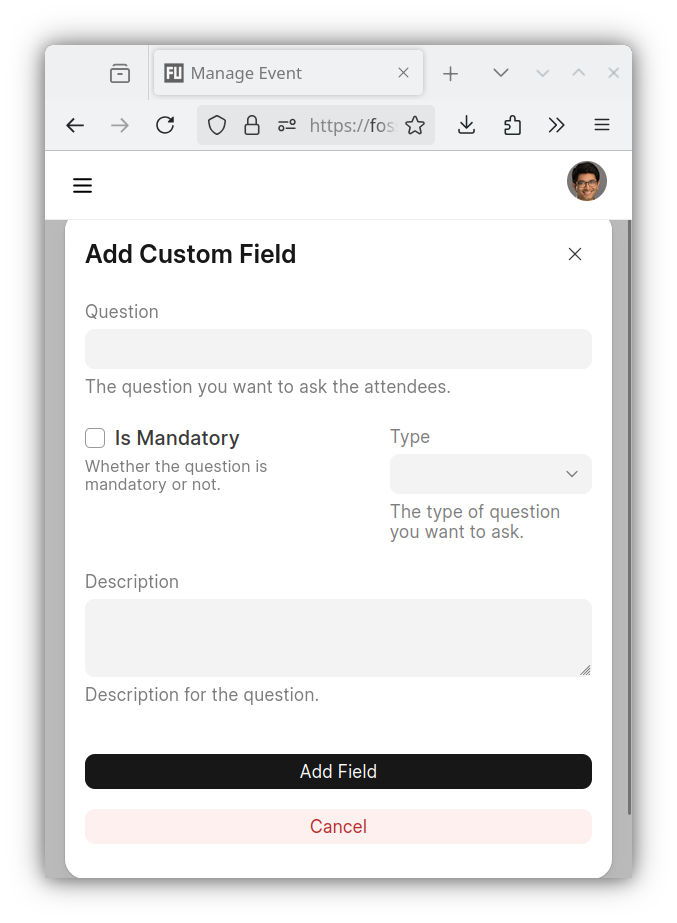
"Create"button, If necessary please use the"Add Custom Field"button
under the"Custom Fields"section of the form to request additional
information from the proposers e.g. prerequisites that the participants
are expected to know about
| Create CFP form | Standard fields | Custom fields |
|---|---|---|
 |
 |
 |
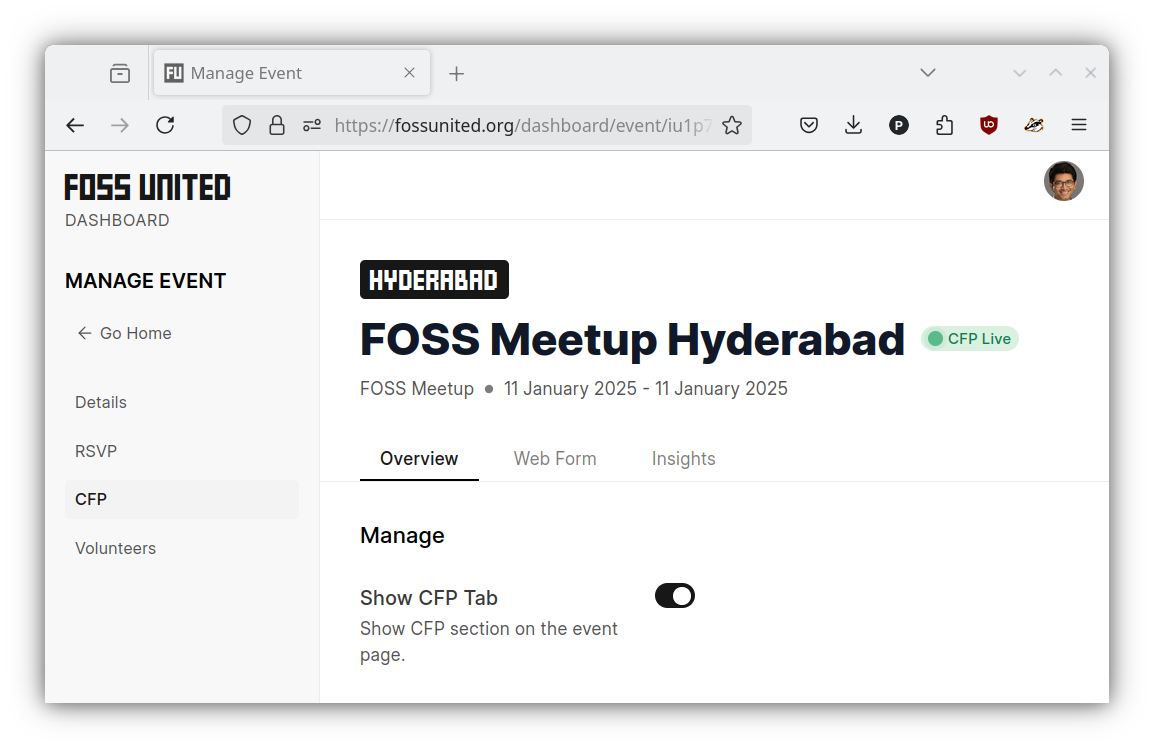
- Once created, the Event page on the Dashboard should reflect the fact that
the CFP is "live"
Update the CFP
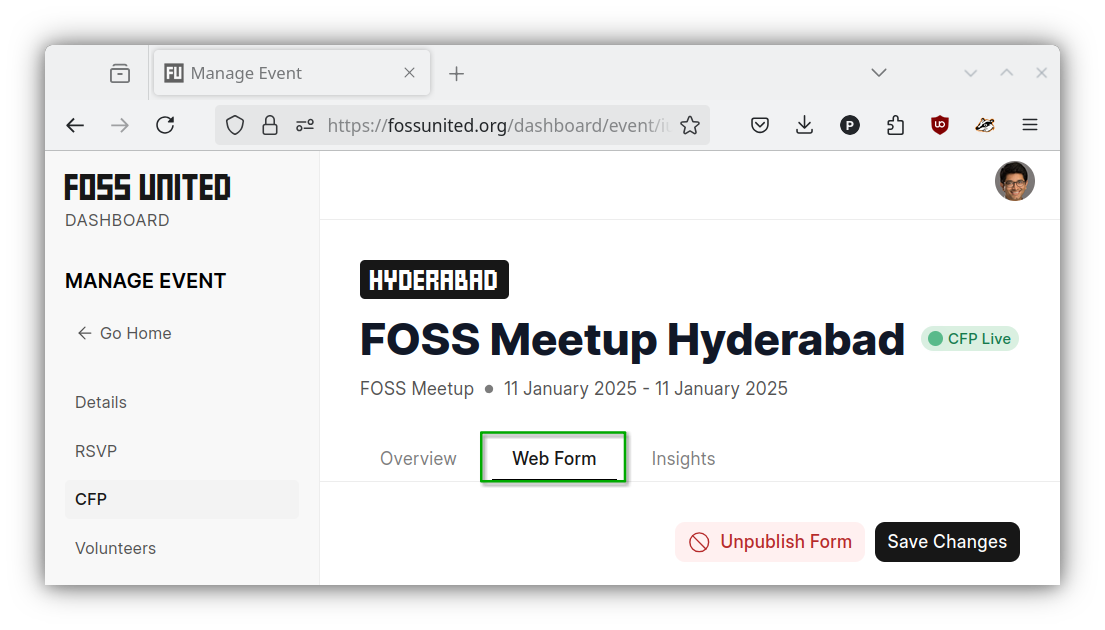
- If necessary, you can use the
"Web Form"tab to update the form e.g.
allow proposal edits, allow only talk proposals
Close the CFP
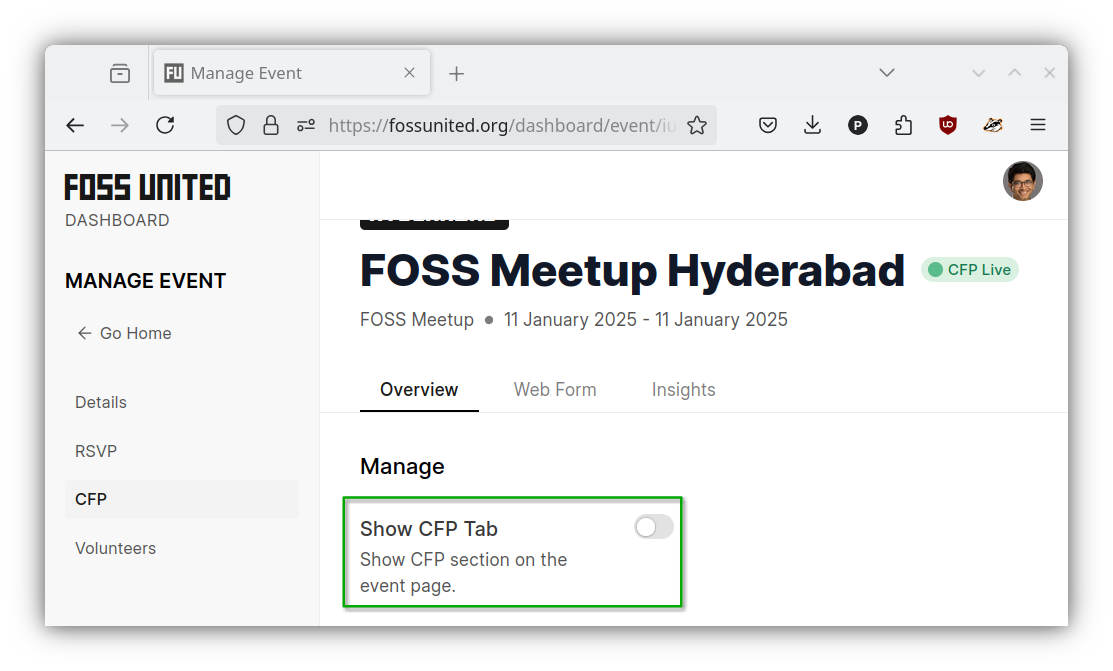
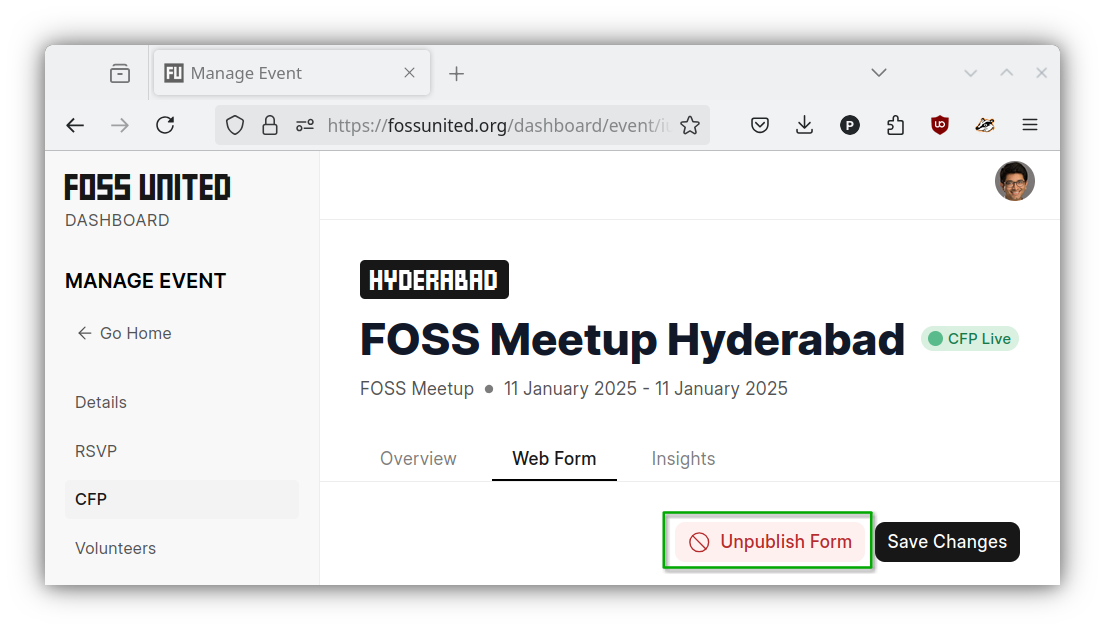
- The CFP form can be unpublished and the CFP tab on the event page can be
hidden if necessary e.g. deadline for the CFP is past
| Hide CFP Tab | Un-publish CFP form |
|---|---|
 |
 |
Download proposal info
- CFP submissions from the proposers can be displayed and downloaded from the
"Insights"tab.
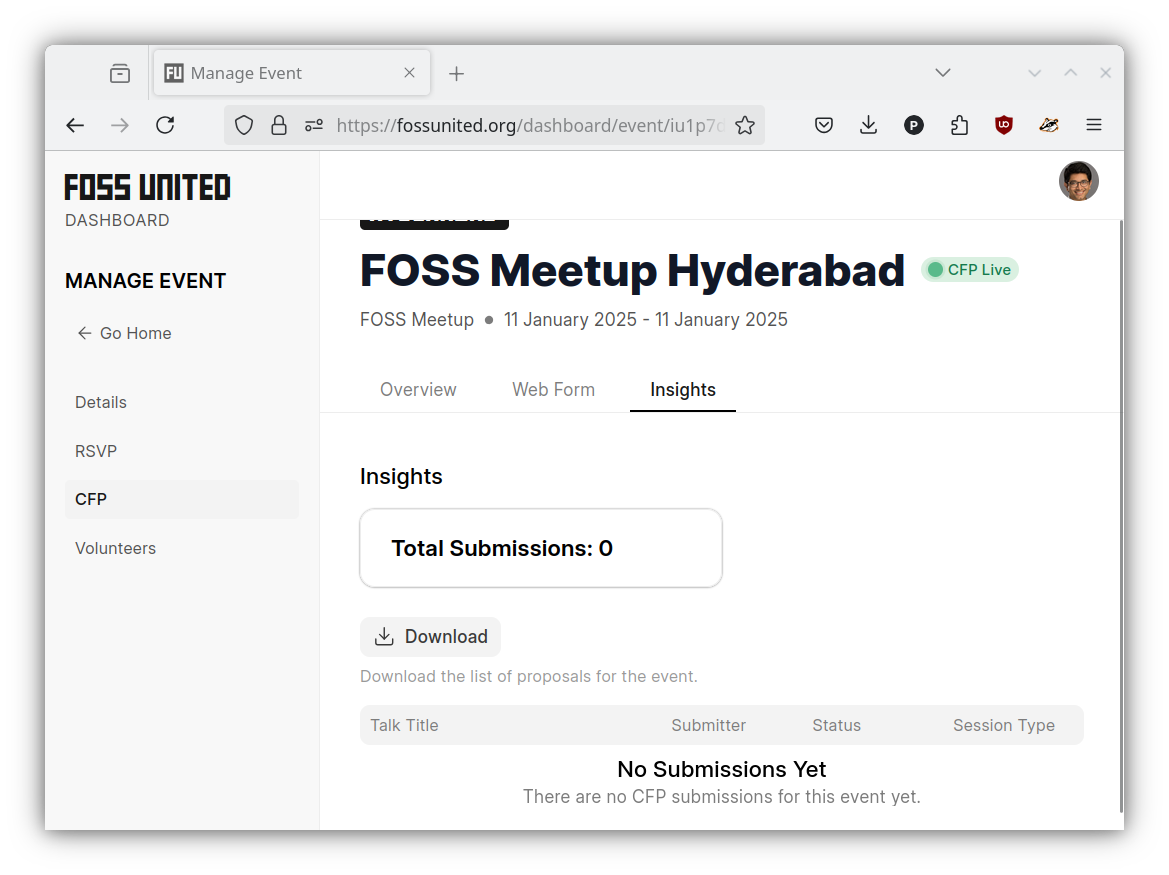
Note: Please note that responses to custom fields in the CFP form cannot
be downloaded using the "Download" button on the "Insights" tab. Please
reach out to the Foundation if and when that information is required.
Assign reviewers to a proposal
From the Insights tab, click any proposal to open its detail panel. If the event is upcoming and the proposal is in Review Pending status, an Assign Reviewers section appears at the top.
- Select one or more reviewers from the dropdown (any user with the CFP Reviewer role appears here)
- Click Save - each newly assigned reviewer receives an email notification with a link to the reviewer dashboard
- To remove a reviewer, deselect them and click Save - a confirmation prompt will appear before the change is applied
Caution: Assigning a reviewer sends them an email immediately. Removing a reviewer does not send a notification. Use this feature to notify reviewers officially. Avoid assigning and then quickly unassigning the same person.